Ants in Your Laptop and Other Misadventures: How to Protect Your Electronics in the Tropics

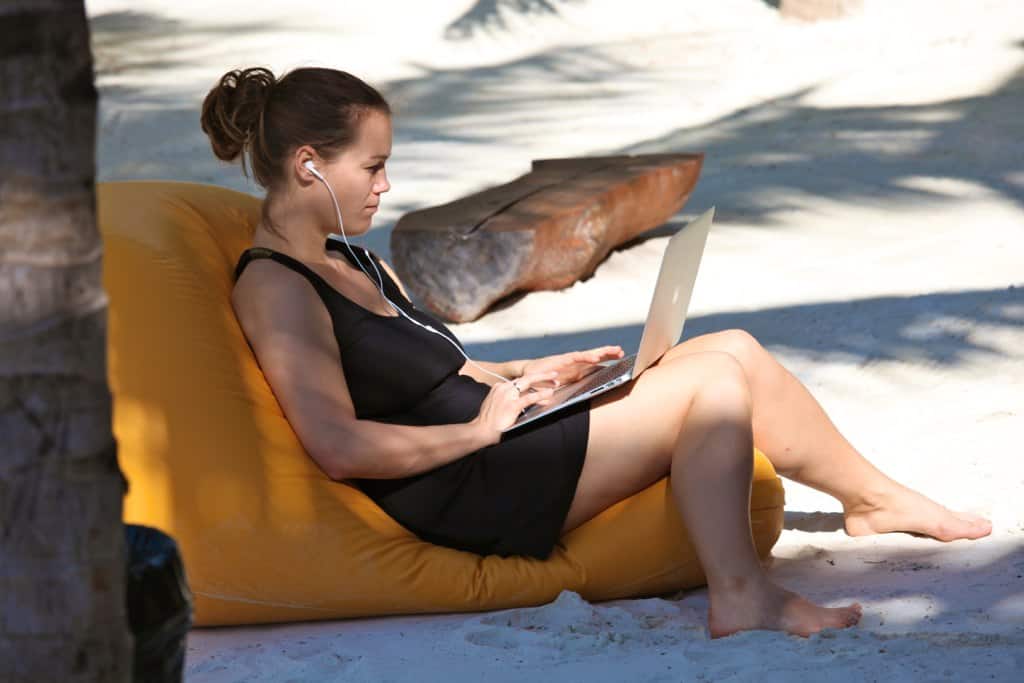
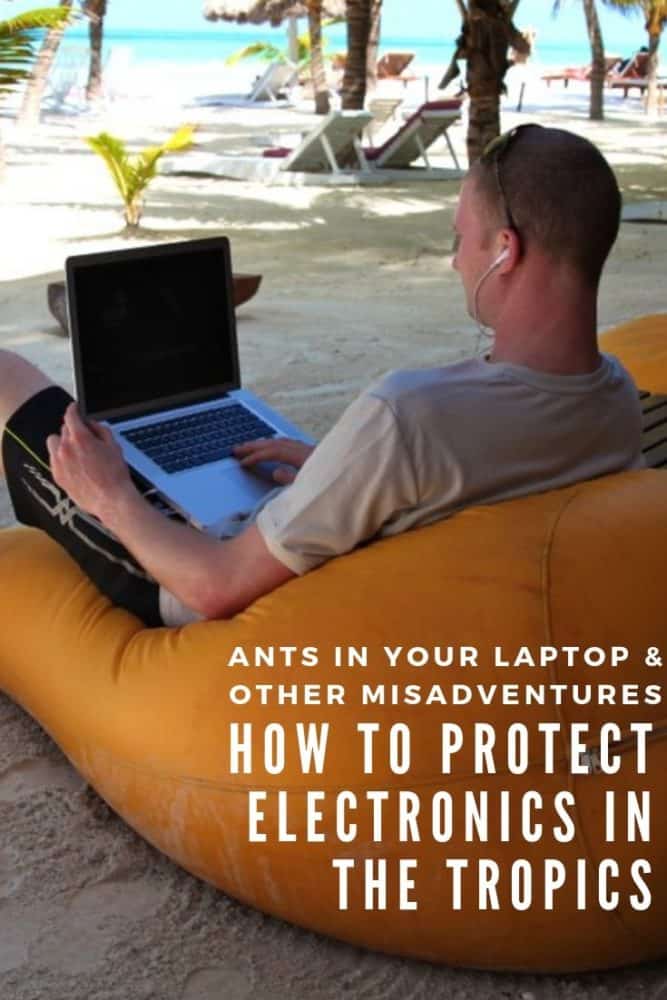
Plug the words “digital nomad” into a search engine, and you’ll probably see endless images of beaches, palm trees, and laptops. Ah, isn’t that the dream?
As far as that laptop’s concerned, it’s more like a nightmare. Besides the fact that most digital nomads spend their days indoors (I usually leave places with a much more intimate knowledge of cafés than beach bars), a Caribbean-style beach is far from the idyllic mobile office it may seem.
Working in the tropics is a challenge in itself, and the constant temptation to take the day off is just the beginning. Hot temperatures, high humidity, unreliable power sources, sand, dirt, and even unwanted guests inside your equipment are some of the hazards that come with working in these parts of the world.
Fear not: there are ways to keep them all at bay, or at least make sure they don’t ruin your electronics. Read on, before you take your laptop anywhere near that beach!
Keep Your Phone and Laptop Cool
All consumer electronics are sensitive to heat. Most laptops, phones, and tablets shouldn’t be stored above 113F (45C) or used when the ambient temperature exceeds 95F (35C).
It’s not hard to exceed those limits in the tropics. Try not to leave your device in a very hot place, even for a short period of time. This includes anywhere that sees direct sunlight, especially inside a vehicle or beside a window.
A good rule is that if it’s too hot for you to be comfortable, your electronics feel the same way. Keep your gear nice and cool. Excessive heat is the kiss of death to your laptop, so try to avoid it at all costs.
Other than obvious things like working indoors or in the shade, one of the easiest ways to prevent your laptop from overheating is proper ventilation. Check that all of the vents are free from dust and dirt, and don’t have anything obstructing them.
These vents tend to be on the sides of your laptop (though sometimes, inexplicably, they are on the bottom), and need to have good airflow at all times.
This isn’t hard to do. The easiest option is just using your laptop on a hard surface, like a table, desk, chair, floor, you get the picture. Soft surfaces like a bed or pillow can easily block the vents without you noticing.
If dust is clogging things up, you’ve got a couple of options. Most computer repair stores will be able to dismantle and clean the inside of your laptop, which is the most effective approach. If you can’t find a repair shop or they’re too expensive, try to pick up a can of compressed air instead.
Power down the laptop, and follow the instructions on the can. Using short blasts of air, try to blow the dust out of all the vents and from between the keys. It’s not as effective as a full internal clean, but it’s better than nothing.
Want to know more? We’ve got a detailed guide to how to stop your laptop from overheating.
Prevent Sudden Temperature Changes
Assuming you don’t plan to spend 24 hours a day inside a cool, air-conditioned room, there’s something else you need to think about.
If your laptop always stays in your room, there’s no problem. When you’re switching between working in the room and beside the pool, however (and who wouldn’t?), condensation becomes an issue. It forms after a sudden change in temperature and humidity, and liquid and laptops don’t play nicely together.
You can’t do much to avoid it, so you need to minimize its effect. Make sure your laptop is turned off before you change locations, and leave it that way for a few minutes in the new environment so any condensation can safely evaporate. After that, you’re fine to turn it back on again.
What about your phone? I get it, it’s too cumbersome to keep switching it on and off every time you want to move to a different place. Smartphones are a little more resistant to temperature and humidity changes than laptops, but they can still feel them.
If you see your phone slowing down, draining battery faster than usual, or simply turning off, put it out of the sun, power it off, and let it cool down for a while before trying to use it again.
Protect Your Laptop from Dirt, Dust, and Other Dangers
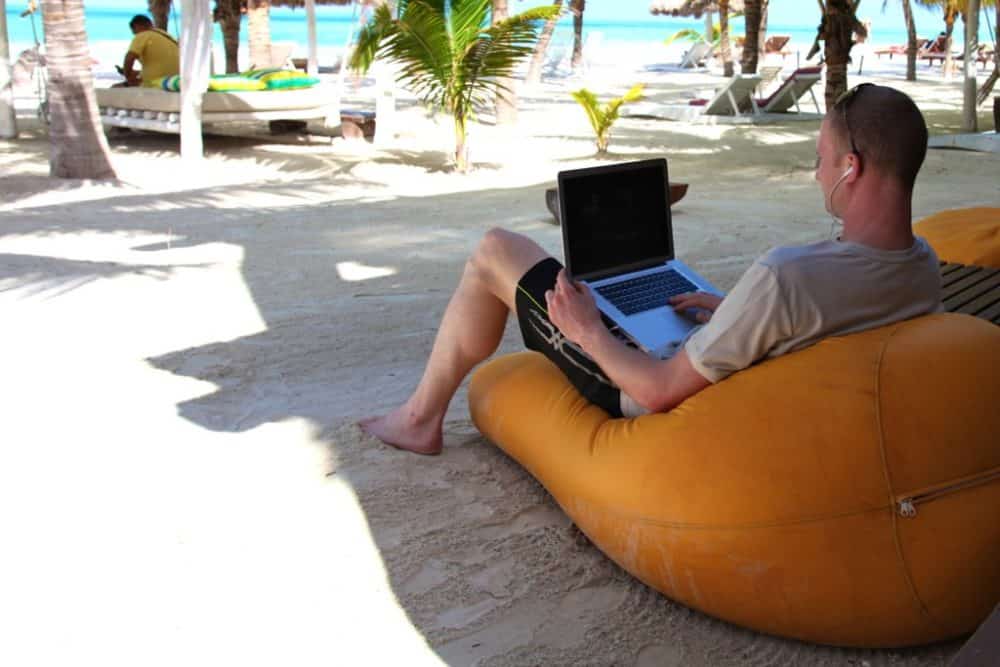
While tropical heat and humidity are major hazards for your electronics, they’re not the only ones. Dust, sand, dirt, and even the local wildlife can all find their way inside your equipment, and none of them are easy to dislodge.
Just think how you feel at the end of a long travel day in the tropics: tired, sluggish, and covered in a thick layer of dust and grime. Your electronics feel the same way, but unfortunately, dumping them in the shower for five minutes won’t have the same beneficial effects.
Instead, always keep them in a case or sleeve while not in use, especially when you’re on the move. Try to only take them out in an enclosed space, or at least on a clean table or desk well away from any potential dangers. It’s much easier to stop dirt and sand from getting into your laptop than to get it out afterward.
It’s also worth cleaning the screen regularly, especially if there’s obvious dirt or residue. That’s not just for aesthetic reasons: contaminants can damage the display if they’re left on there long-term.
Be use to use a cleaning wipe or spray that’s specifically designed for screens, as standard household cleaners can do more harm than good.
Removing Ants From Your Laptop
If you think dirt and sand are a problem, wait until you start seeing ants crawling out of your laptop. Food and other organic material builds up between the keys, especially if you eat over your keyboard, and ants will inevitably find their way to it. If you see ants in your accommodation, trust me, they’ll end up in your laptop at some point.
To get rid of ants, start with the simplest option: blowing them out. Ideally you’d use a can of compressed air like the one mentioned above for removing dust, but even a hairdryer on the coldest setting is better than nothing.
Make sure your laptop is turned off, and if you’re using a hairdryer, ensure the power cable is plugged into the wall to reduce static electricity. Be sure to blow out as many of the crumbs and other gunk out from between the keys at the same time, otherwise the ants will just keep coming back.
If that approach doesn’t work, it’s time to track down an ant trap and a Ziploc or other airtight bag. Put the ant trap and your laptop inside the bag, and leave it in there as long as you can (overnight, at least.) The ants in your laptop will head for the trap, and the bag prevents new ones from getting in.
Watch Out for Power Surges & Blackouts
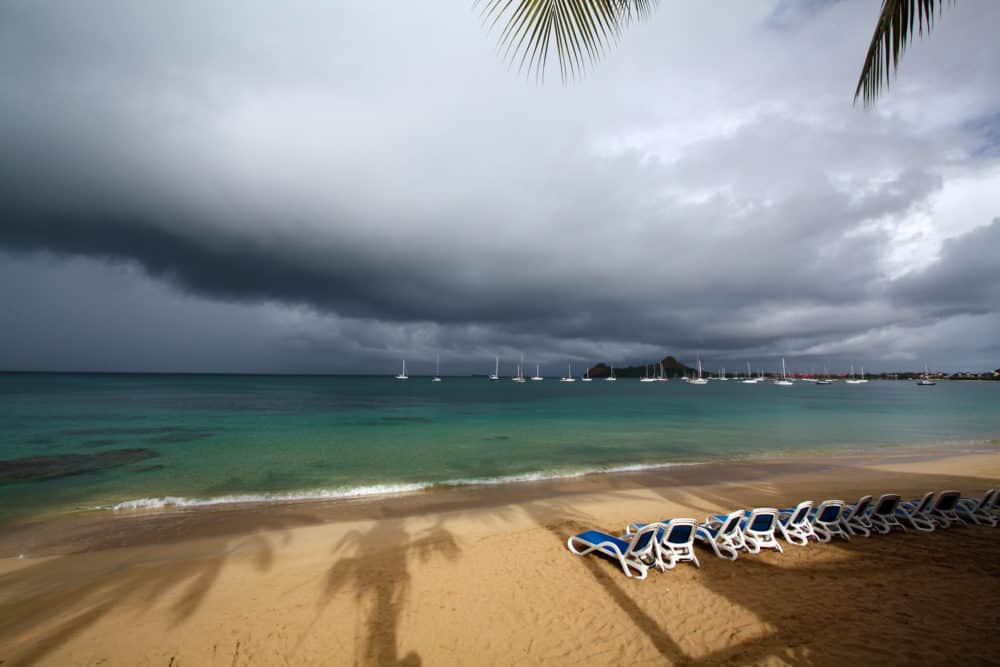
Unreliable power is a big danger in the tropics, especially if you travel during the rainy season. Nearby lightning strikes often cause massive power surges, which can mean kissing your device goodbye, either for a few days while it’s out getting fixed, or forever.
As a result, try to charge all of your gear during a dry part of the day, and keep an eye on the sky in case you need to suddenly unplug everything. It’s also a good idea to not have everything charging at once, which is inconvenient but adds an extra layer of safety.
Never leave your gear plugged in overnight, or any other time you’ll be asleep or away somewhere else, as storms can roll in at any point. That said, still charge your phone regularly, since multi-hour blackouts can be common.
Even when the Wi-Fi is down during a power cut, mobile networks typically stay running for a day or two, so your phone will still work if it has power. Make sure you’ve got a good portable battery as well, for extra-long blackouts. Again, keep it charged!
It’s also worth packing a portable surge protector, to provide at least some protection from electrical spikes and surges, whether they’re caused by lightning or anything else. A little extra caution goes a long way when it comes to power in the tropics.
Turn Off Battery-Intensive Apps
If your smartphone is feeling the heat and regularly suffering from poor battery life, slow performance, or shutdowns, there’s one simple measure you can take: don’t overdo it with the apps.
Games, navigation apps that make heavy use of the screen and GPS, streaming apps like Spotify or Netflix, or even cranking up the screen brightness will all drain your battery faster than you’re downing your poolside margarita. Worse, though, all that work creates extra heat, which is the last thing you want in a tropical environment.
Restrict the use of heavy-duty apps, and delete the ones you’re not using regularly. Turn down the screen brightness to the minimum you can handle, and even put the phone in flight mode if you don’t need to be connected.
Your phone will thank you for it.
Get regular updates from the world of travel tech and remote work
News, reviews, recommendations and more, from here and around the web
Staying In the Tropics Long-Term

Loved the tropics so much you’ve decided to move there? I moved to Mexico for an 11-month work assignment and ended up staying for four years, so, yep, I get it. If you also decide to stay longer, it’s worth making a few investments to ensure your laptop is as happy about your choice as you are.
A dehumidifier is well worth considering, as it protects against condensation and damp, keeping the room dry and comfortable for both humans and their electronics. If your room doesn’t have air conditioning, a portable A/C unit will keep you and your gear cool, and as a nice bonus, help keep the mosquitos at bay as well.
A laptop cooling stand is also a good idea. Besides improving the typing angle, a stand improves airflow and keeps the vents clear of any obstructions. The good ones also have fans built in, which is one of the most effective ways of keeping your laptop cool.
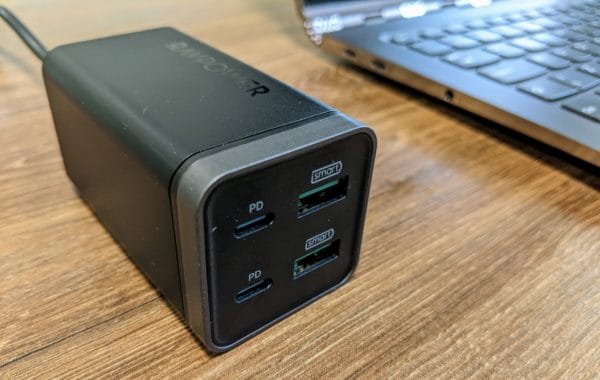
If you intend to stay for longer than a few winter months, the power problems of the rainy season will catch up with you. In that case, pick up a bigger surge protector with multiple outlets, so you can protect several devices at once.
A word of advice: get a model with an inbuilt circuit breaker. The breaker will trip if you overload the multi-box, protecting your devices and reducing the risk of fire.
Any other tips for looking after your electronics in the tropics? Let us know in the comments!
Images via Steven Zwerink (digital nomad beach, digital nomad palm trees), Vlad Podvorny (dark clouds over beach), Richard Walker (loungers)



Great post. I’m in India with ants in two laptops. Ant traps in a ZipLoc is a fantastic idea.